
Two-Factor Authentication: Your Best Security Upgrade
Published 12 August 2026
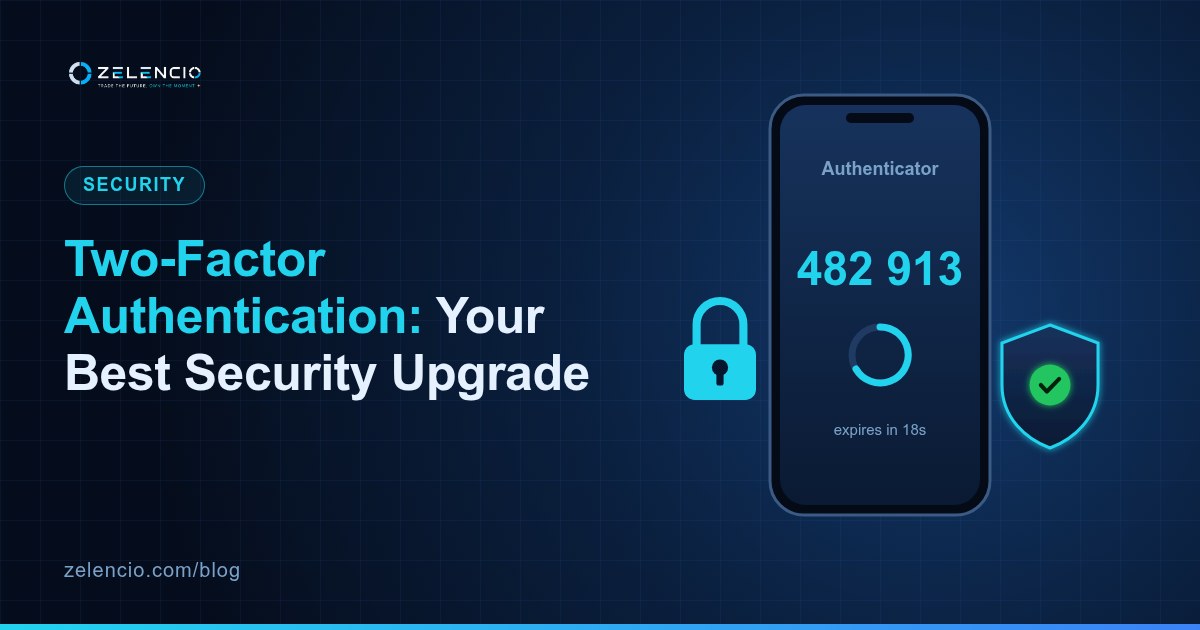
If you do one thing after reading this, make it this. 2FA prevents more real losses than everything else combined.
What it does
Signing in normally needs one thing: your password. If someone gets that — breach, phishing, reuse — they are in.
2FA adds a second requirement: a code from a device you physically hold. Now a stolen password alone is worthless.
Not all 2FA is equal
SMS — weak. Better than nothing, considerably worse than the alternatives. SIM swapping means an attacker convinces your network to move your number to their SIM. They then receive your codes. This is common, cheap, and has emptied a great many accounts.
Authenticator app — good. Google Authenticator, Authy, or similar. Codes are generated on your device from a shared secret and never travel over the network. Nothing to intercept, no customer service agent to fool.
Hardware key — best. A physical device you tap. Immune to phishing, because the key checks the website's identity itself. Worth it for meaningful amounts.
Setting it up properly
- Install an authenticator app.
- In your exchange's security settings, choose app-based 2FA.
- Write the backup code on paper before scanning the QR. This is the step people skip and later regret.
- Scan the code, enter the generated digits to confirm.
- Store the paper backup somewhere safe and private.
- If SMS 2FA is still enabled, turn it off — leaving it on keeps the weakest link.
The backup code question
Lose your phone with no backup and you lose access. Recovery means identity verification and days of waiting, if it is possible at all.
Write it down. Paper, in a safe place. Not a screenshot — screenshots sync to the cloud, and cloud accounts get breached, which is precisely the situation you set 2FA up to survive.
What it does not protect against
2FA cannot help if you approve a request you should not have. If a code arrives you did not trigger, someone has your password — do not enter it, and change your password immediately.